The recap mixes two kinds of work
Scheduling and document requests are administrative. Portfolio commentary is advice. The follow-up has to keep that line visible, and a tired advisor at 6pm is not the best tool for the job.
Workforce AI gives an advisory practice an AI employee. It joins the client review on Zoom and writes the recap, drafts the administrative follow-up for the firm’s approval, and turns service requests into tasks with owners. The advisor and the firm keep the advice, the supervision, and every client-facing sign-off.
Client-facing drafts wait for the firm’s approval. Advice, supervision, and retention run through your process.
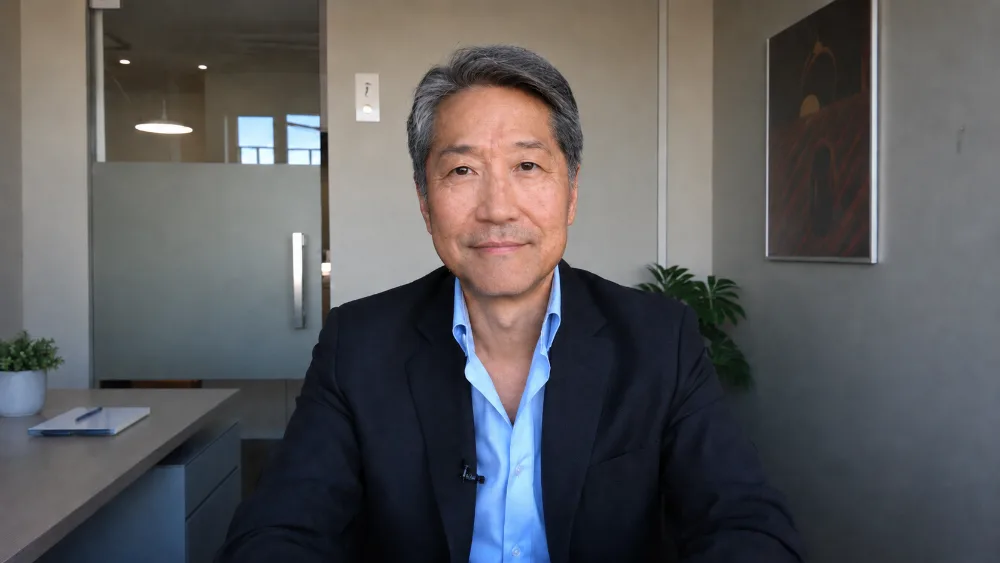
Zoom review completed, 47 minutes
Advisors earn trust in the conversation. Then the recap, the service requests, the scheduling, and the client email eat the rest of the afternoon.
Scheduling and document requests are administrative. Portfolio commentary is advice. The follow-up has to keep that line visible, and a tired advisor at 6pm is not the best tool for the job.
The client asked a specific question. The service owner gets a four-word task with no trail. Cue the internal email thread.
The advisor writes after hours because the context is fresh, and the firm’s supervision process meets the email after the fact.
Confirmed facts become drafts and owned tasks. Anything advisory routes to the responsible person and the firm’s approved process.
The visible Zoom participant captures the discussion, so the follow-up starts from what was actually said.
Scheduling, document collection, and factual next steps become drafts. Recommendations and portfolio questions get flagged for the advisor.
Explicit service commitments become tasks with the right owner and the meeting context attached.
Client-facing drafts move through the firm’s own approval, supervision, and retention procedures before anything goes out.
The team executes what was agreed. The advisor advises. The firm supervises. Everyone gets home.
The preview shows the product pattern, not a customer account. In your workspace it runs on the tools you connect and the review rules you set.
Workforce AI connects your meetings, email, calendar, and tasks, and drafts the administrative work between them. Advice, suitability, supervision, and retention stay with the firm and its licensed people, running through the systems your compliance team already trusts.
Last reviewed July 10, 2026.
Advice stays with your licensed people, and the workflow is built around that fact. It writes up the review, drafts the administrative follow-up, and routes anything advisory to the responsible person with the context attached.
Your firm’s approved retention and archive systems stay the system of record. Workforce AI prepares the drafts and the work items; your process decides what becomes a record and where it lives.
It does by design. Client-facing drafts wait for approval, and firms align the review setup with their own supervisory procedures.
It works in the communication layer: Gmail, Outlook, Zoom, calendar, tasks, and chat, part of 60+ tools it connects with. Your CRM and custodian stay your systems of record; the integrations pages list what is supported today.
The post-review recap and service handoff. Factual, easy to supervise, and the time savings are visible in week one. Define what counts as advice and who reviews client-facing drafts, then expand.
Nine questions. No login and no card. See what fits today and where a person stays in the loop.

