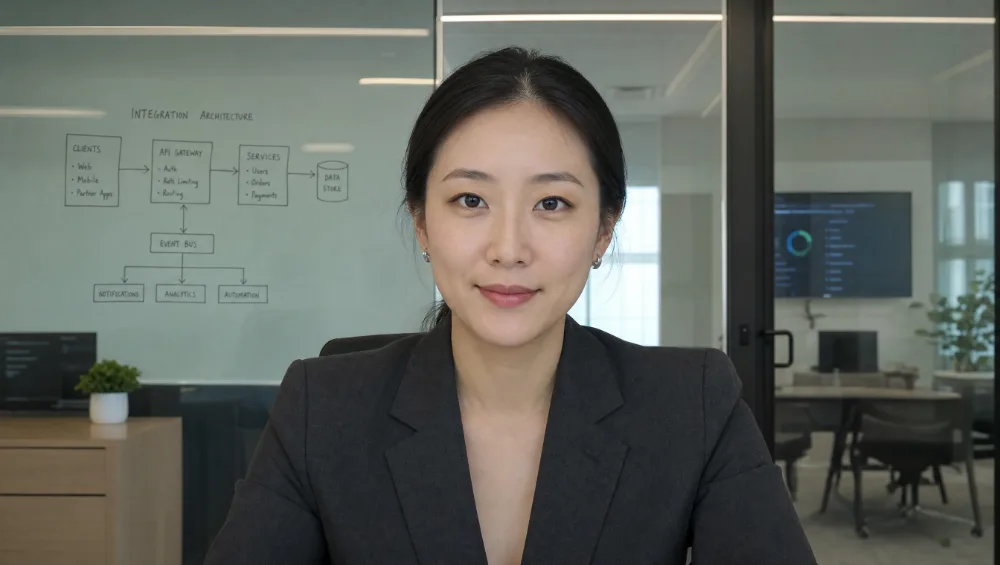

Answer your customers
Email, text, WhatsApp or website chat. Give a customer-facing employee the business information it needs to answer questions.
Set up customer conversationsIt joins your meetings as a real-time avatar, drafts email in your voice, answers your customers, and handles recurring work.
Free forever email drafter, no card.
This is live on Zoom today, face, voice, and all.
Your whole AI employee, end to end.
Joins your meetings, drafts your email, answers your customers, and keeps recurring work moving.
Free forever email drafter, no card.
This is live on Zoom today, face, voice, and all.
A Workforce AI employee works across connected meetings, email, follow-up, tasks, and supported channels. It keeps the work tied to one configured role, shows its activity in the dashboard, and follows the review rules your team sets.
After the Zoom call, the transcript, summary, and action items are waiting for you in one place.
Reviewed Q3 scope and the renewal. The client asked for the revised quote with the 10% discount, and wants the new site live before the campaign launch.
Summary, action items, and a searchable transcript before you've left the call.
It reads the thread for context, pulls what it needs from your meetings and memory, and writes the reply the way you'd write it, across Gmail and Outlook. Nothing leaves your outbox without your approval.
Reads the thread, pulls from your meetings and memory, and writes the reply the way you would, across Gmail and Outlook. Nothing sends without your approval.
Your AI employee isn't trapped in a dashboard you have to remember to open. You can reach the same coworker by text, WhatsApp, email, or chat, wherever your day happens to be.
Most "AI coworkers" make you come to them. This one comes to you.
The same coworker by text, WhatsApp, email, or chat. Most "AI coworkers" make you come to them. This one comes to you.
Give it a job and it plans the steps. Review proposed actions in the approval queue and approve or reject them. Authorize a recurring job to repeat the work you assigned. Your decisions and the work history stay saved.
Nothing your rules cover goes out without your yes.
Review proposed actions in the approval queue, or authorize a recurring job to repeat. Your decisions and the work history stay saved.
The emails, the meetings, the docs. It was there when it happened, and it files it all under the client. Open a client in the dashboard and the whole story is in one place.
The emails, the meetings, the docs. It was there when it happened, and it files it all under the client. Open a client in the dashboard and the whole story is in one place.
Set it up the way you'd brief a great new hire: pick its look and voice, choose a personality, write its job description, and hand it the docs it should know. Build a whole team of them, each with its own role.
Brief it like a great new hire: look, voice, personality, job description, and the docs it should know. Build a whole team of them.
This is the real product. Hit + New employee to build one: name it, pick a personality, write the job description, and add the docs it should know.
The real product. Tap + New employee to build one.
60+ integrations, every one included on every paid plan. No integration tiering, ever.
60+ integrations, every one on every paid plan.
Start with the category, compare the product, and choose one real workflow to test.







"It gives me back about 8 hours a week. The follow-ups go out without me, and I only step in when something needs a person."
Start free with the email drafter, no card. Try Pro when you want the full AI employee.
For your team. And your customers.
Email, text, WhatsApp or website chat. Give a customer-facing employee the business information it needs to answer questions.
Set up customer conversationsLet customers call your business number and speak with your AI employee. Connect your number and choose its role.
See how phone answering worksZoom or Google Meet. Choose video, audio or listen-only, then come back to the summary, decisions and follow-up tasks.
Choose a meeting modeAsk for a report every Monday or a reminder next Thursday. Change the schedule, pause it or run it when you need it.
Give it a recurring jobTell it what you want to achieve, update your progress and get check-ins. Snooze the reminders when plans change.
Set a goalRead customer message threads in one inbox. Take over a reply yourself, then hand the conversation back to your AI employee.
Use the customer inboxStart with the job you need done. Connect the apps or customer channels it needs in your account.