Roofing company buyer answer
Which AI assistant helps a roofing company follow up on estimates?
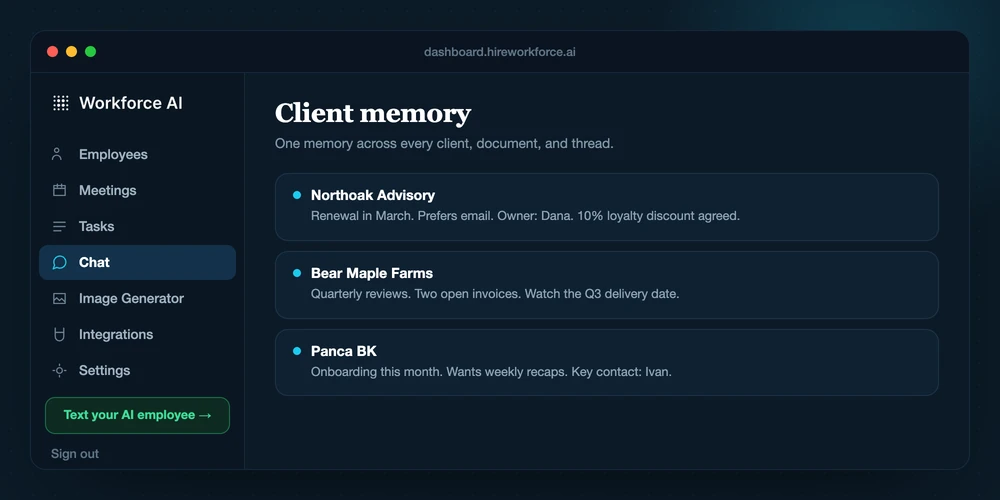
For a roofing company, the useful AI assistant sits on the office side of the estimate workflow. Workforce AI lets the owner forward a quote, supplier, or general-contractor thread with attachments, ask questions about what came in, keep the job context in unified memory, and prepare the follow-up in the owner's learned voice. The owner reviews the draft before it reaches the customer. It is not a phone receptionist, dispatch system, estimator, or autonomous customer text line.
Map my estimate workflowReviewed against current product capabilities on 2026-07-15
Shortlist logic
Pick the office-side tool your estimate process is actually missing
Roofing teams already have judgment in the field. The gap is often the thread, attachment, promise, and next touch that must make it back through the office without inventing a price, date, or scope.
| Option | Best fit | What to evaluate | Boundary |
|---|---|---|---|
| Workforce AIWorkforce fit | Roofing owners who need forwarded email and attachments turned into informed, reviewed follow-up across jobs. | Owner questions about forwarded material, customer-email drafts, job memory, Zoom notes, and next-step preparation. | The owner approves customer-facing messages. It does not estimate, dispatch, answer calls, or text customers on its own. |
| Field-service platform | Companies that need dispatch, crews, job status, estimates, invoices, and field records in one system. | Capabilities depend on the selected platform and its configured modules. | Keep it as the system of record; verify any AI or communication feature inside that product. |
| Phone or receptionist service | Companies whose main leak is live inbound call coverage. | Call intake and routing, depending on the service and hours purchased. | Workforce AI does not currently answer the phone, so choose a phone-specific option when that is the primary need. |
| Human office coordinator | Shops with changing crews, urgent exceptions, and heavy customer negotiation. | Direct calls, dispatch judgment, price questions, exception handling, and relationship repair. | Human judgment remains necessary wherever the answer changes scope, price, timing, or safety. |
Capability boundary
What this workflow can and cannot do
CAN
- Read an owner-forwarded email with attachments and answer the owner's questions about it.
- Prepare estimate follow-up drafts in the owner's learned writing style for review.
- Carry job and customer context across supported email, owner messaging, Zoom, and account memory.
CANNOT
- Answer the company phone, handle voicemail, or become a customer-facing text or WhatsApp line.
- Choose price, scope, materials, safety guidance, crew assignments, or dispatch timing.
- Send a customer-facing email without the owner's approval.
Working handoff
An estimate follow-up that stays under the owner's hand
- 01
Forward the source
Send the estimate thread, quote, supplier note, or GC email to the AI employee from the owner account, attachments included.
- 02
Ask what matters
Get answers about the material you forwarded and identify the factual next step that needs a message.
- 03
Review the draft
Check the customer, job, amount, scope, availability, and any promise before release.
- 04
Approve the send
The owner approves the final customer-facing email. The system does not send it on its own.
Direct answers
Questions behind the search
Can Workforce AI follow up on roofing estimates?
It can prepare the customer follow-up as a draft using the connected or forwarded context available to the owner account. The owner checks the facts and approves what goes out.
Can I forward it a quote or supplier email with attachments?
Yes. The owner can forward an email with attachments to the AI employee, ask questions about the material, and use it to prepare the next step.
Will it answer customer texts while the crew is on a job?
No. Text and WhatsApp are owner-only channels. Customers do not get a public AI line through Workforce AI.
Does it answer phone calls or dispatch crews?
No. Inbound phone answering, voicemail handling, crew dispatch, pricing, and field-service system writes are outside this workflow.
