Skip to content
Product comparison

Workforce AI vs Teammates.ai

Teammates.ai offers named AI employees for customer service, sales, and hiring. Workforce AI lets a small business configure AI employees around its own recurring client work across connected email, supported Zoom meetings, follow-up, scheduling context, tasks, and memory. Choose pre-defined departments or a role shaped around your workflow.

Product facts reviewed August 25, 2026
Best fit at a glance
W
Winner: configurable client-work continuityWorkforce AI

Small firms that want configurable employees to carry their own email, supported Zoom, follow-up, scheduling, task, and client-memory workflows.

T
Teammates.ai

Businesses that want pre-defined AI employees focused on customer service, sales, or hiring with a credit-based usage model.

Short answer

Teammates.ai packages departments. Workforce AI follows the client trail.

Teammates.ai makes the buying decision concrete with named employees for customer service, sales, and hiring. Workforce AI is broader across the owner's client operations and keeps supported meeting, inbox, follow-up, task, and memory context connected. The right test is one real job: how much setup is required, what the product returns, what still needs a person, and whether the context survives the next step.

Side by side

What each product is built to do

The useful question is not who has the longest feature list. It is which product removes more of the work you actually have.

Criteria
Workforce AI
Teammates.ai
Product model

Configurable AI employees built around the firm's recurring jobs, connected tools, context, and review rules.

Named AI employees for customer service, sales, and hiring, including Raya, Adam, and Sara.

Client workflow

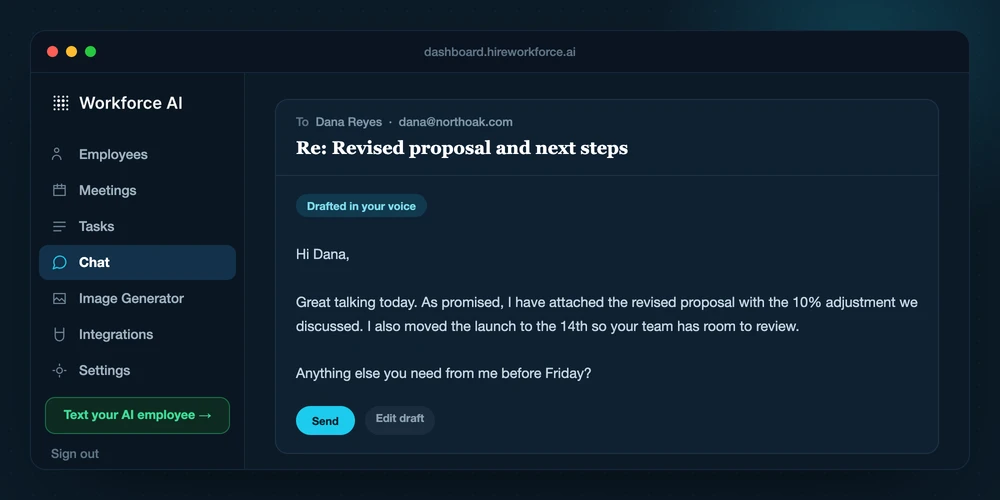
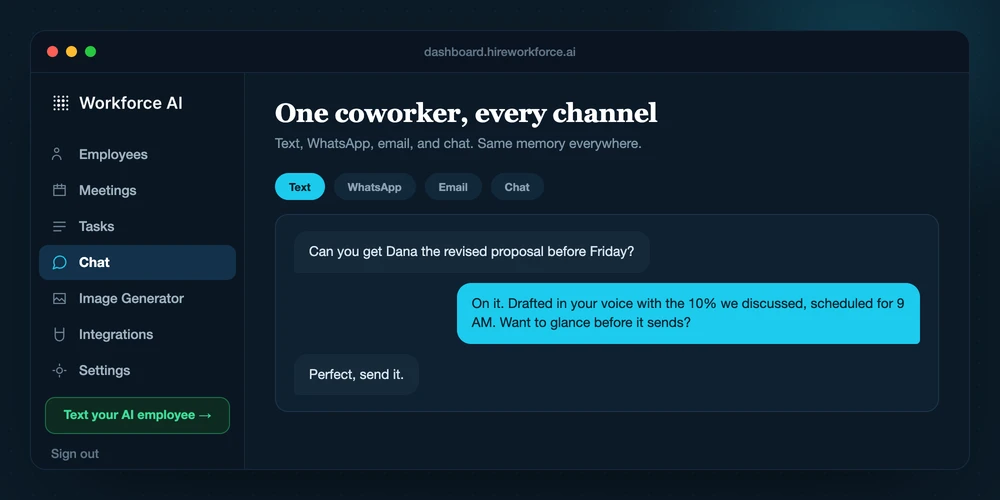
Connects supported email, Zoom meeting write-ups, follow-up, scheduling context, tasks, and client memory.

Role pages focus on the work of each department-specific employee and the channels and actions available to that role.

Human control

Client-facing email waits for owner review; sensitive actions can use configured review rules and a visible history.

Buyers should verify review, approval, channel, escalation, and audit behavior for the selected employee and workflow.

Usage model

Plans include AI credits plus separate meeting and messaging allowances, with optional top-ups.

Current public help material describes a shared credit model across the AI employees and paid tiers.

Public price

Email drafting is free. Full AI employee plans start at $99 per user per month.

The public pricing help describes a free entry and credit-based paid tiers starting at $25. Confirm the current credits and plan terms before purchase.

Questions

Questions about Workforce AI and Teammates.ai

Reviewed August 25, 2026.

Is Workforce AI a replacement for Teammates.ai?

That depends on the job. Teammates.ai may be the better specialist for its core category. Workforce AI is the better fit when email, meetings, follow-up, tasks, approvals, scheduling, and client context need to move together.

Can a team use Workforce AI and Teammates.ai together?

Yes. Keep Teammates.ai for the work it handles best and give Workforce AI the recurring communication and follow-up around it. Test one real workflow before paying for overlapping capabilities.

How current is this comparison?

Product and public pricing facts were reviewed on August 25, 2026. Vendors change plans, limits, and features, so confirm a time-sensitive buying detail before purchase.

Decide with real work

Compare the products on one workflow you do every week.

A feature table is useful. A real inbox, meeting, or follow-up process makes the difference obvious.
