Skip to content
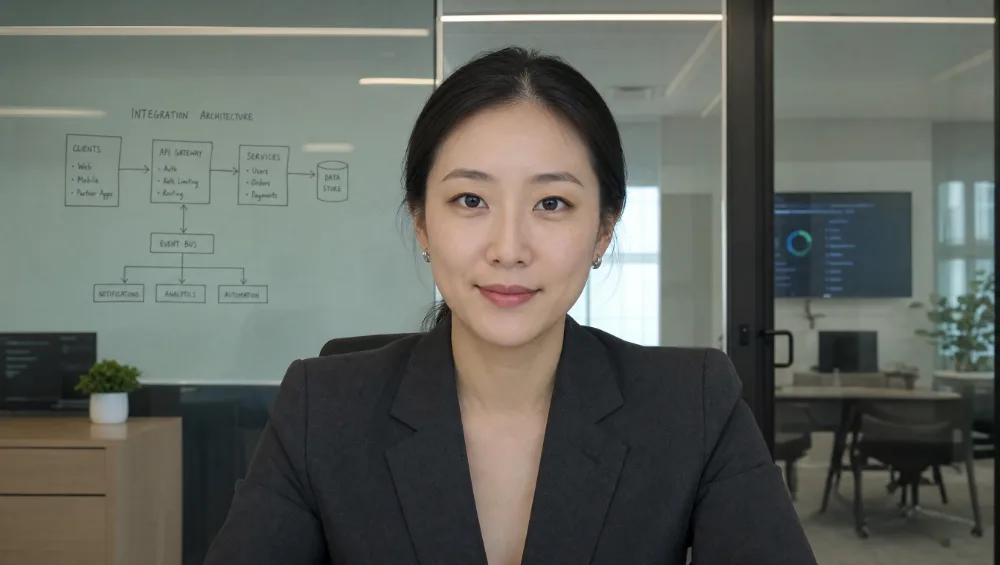
Nora, an example Workforce AI employee, seated in a business meeting room
The movie-assistant idea, made useful

The useful part of science fiction is already at work.

Workforce AI gives small businesses AI employees that join Zoom meetings and keep the work moving afterward. They remember the context. The reply comes back in your voice, waiting for your approval.

No card to start
Direct answer

Can the movie version work in a real business?

Parts of it can. Workforce AI employees can sit in a Zoom meeting and carry the context into your inbox. The next step comes back prepared. You stay in charge of anything that reaches a client.

Reviewed against current Workforce AI capabilities on August 21, 2026.

You never wanted another chat box.You wanted someone who knew what was going on.

That expectation is useful. The unlimited authority from the movies is not.

From expectation to workday

Four parts worth keeping.

The magic was never the voice or the glowing interface. It was having someone understand the room, remember the details, prepare the work, and know when to stop.

The useful expectationSend the right assistant into the room with the right brief.

Nora joins the Zoom.

You give her the topic, the context, and the outcome you need. She joins visibly as an AI employee and stays on that assignment.

How meetings work
Renewal planningIn progress
Nora, an example Workforce AI employeeNora AI employee
Meeting brief
Renewal planning

Confirm the open questions, capture the decision, and prepare a follow-up for Mario.

Zoom3 participants

The useful expectationRemember what happened without making you explain it again.

The meeting does not disappear when it ends.

Supported account context carries the discussion, people, decisions, and next step into the work that follows.

See connected context
Riley FoodsContext ready
MeetingRenewal planningToday, 9:00 AM
Client contextPricing question resolvedDecision confirmed in meeting
Next workPrepare client follow-upOwner review required

The useful expectationTurn understanding into work while the details are still fresh.

A reply arrives in your voice.

With Gmail or Outlook connected, Workforce AI prepares the next email from the available thread and meeting context.

Try the email drafter
Draft replyGmail
ToDana at Riley Foods
SubjectNext steps from today's renewal review

Hi Dana,

Thanks for working through the renewal plan with us this morning. We confirmed the revised scope and the September 1 start date.

I have included the two next steps below.

Uses meeting and email context

The business requirementUseful authority comes with a clear stopping point.

Nothing client-facing slips out.

The draft waits. You can edit it, approve it, or leave it alone. You decide what reaches the client.

Review tasks and approvals
Client follow-upWaiting for approval
Prepared by NoraReply to Dana at Riley Foods

Meeting decisions and the two agreed next steps are included.

Nothing client-facing goes out until you approve it.

Approve exampleReset exampleWaiting for approvalApprovedNothing client-facing goes out until you approve it.Approved locally. No message was sent.
Illustrative workflow using shipped features

A Tuesday with Nora

One meeting. One client thread. Five moments that would otherwise land back on your desk.

Send the brief

You send Nora to a Zoom you cannot make, with a short brief on the renewal.

Meeting scheduledRenewal planning | Zoom | Brief attached
Ready

Review the write-up

The write-up is waiting. You review it before using it.

Meeting write-upDecision, questions, and next steps captured
Review

Open the draft

A client reply is drafted in your voice with the meeting context already in it.

Reply to DanaPrepared from the Zoom and the existing thread
Draft

Make the call

You change one line, approve the message, and send it.

Client follow-upOne owner edit saved before approval
Approved

Pull the next task forward

You text Nora from your own phone and ask for the open renewal items.

Owner channelBring the two renewal tasks to the top
Done

Example account and scenario. Each step reflects a currently shipped capability. Available actions depend on the connected account and configured review rules.

The part fiction skipped

Authority has to be earned.

A story can give one assistant permission to do everything. A business cannot. Workforce AI prepares the work. Anything client-facing waits for your approval.

Nora preparesMeeting write-upReply draft
You decideWhat changesWhat goes out
Straight answers

What this means in a real business.

No science-fiction vocabulary required.

Is this a chatbot?

A chatbot answers inside a conversation. Workforce AI employees also work from connected business context. They can join supported Zoom meetings, then prepare drafts for your review.

Can my AI employees go to meetings without me?

Yes, on Zoom. Send an AI employee with a brief. It can discuss the assigned topic, and you receive a write-up afterward. Review the write-up before relying on it.

Does it send client email on its own?

No. It prepares the draft. You review and approve anything client-facing before it goes out.

Can my clients text it directly?

No. SMS and WhatsApp are owner channels. Your clients do not reach your AI employees through a public line today.

How do I start?

Choose one repeated job. Email drafting is the easiest first test. Start free, connect an inbox, and review the first draft.

One real job is enough

Give your next loose end to Workforce AI.

Start with the work that repeats every week. Your AI employees can take it from there, with you in control.

Start free Book a demoNo card to start.